

Pencil – Design on canvas. Land in code.
Transform Designs into Code Effortlessly
Pencil enables designers to create on canvas and seamlessly convert their designs into code, simplifying the workflow for developers and designers alike.
Visit Website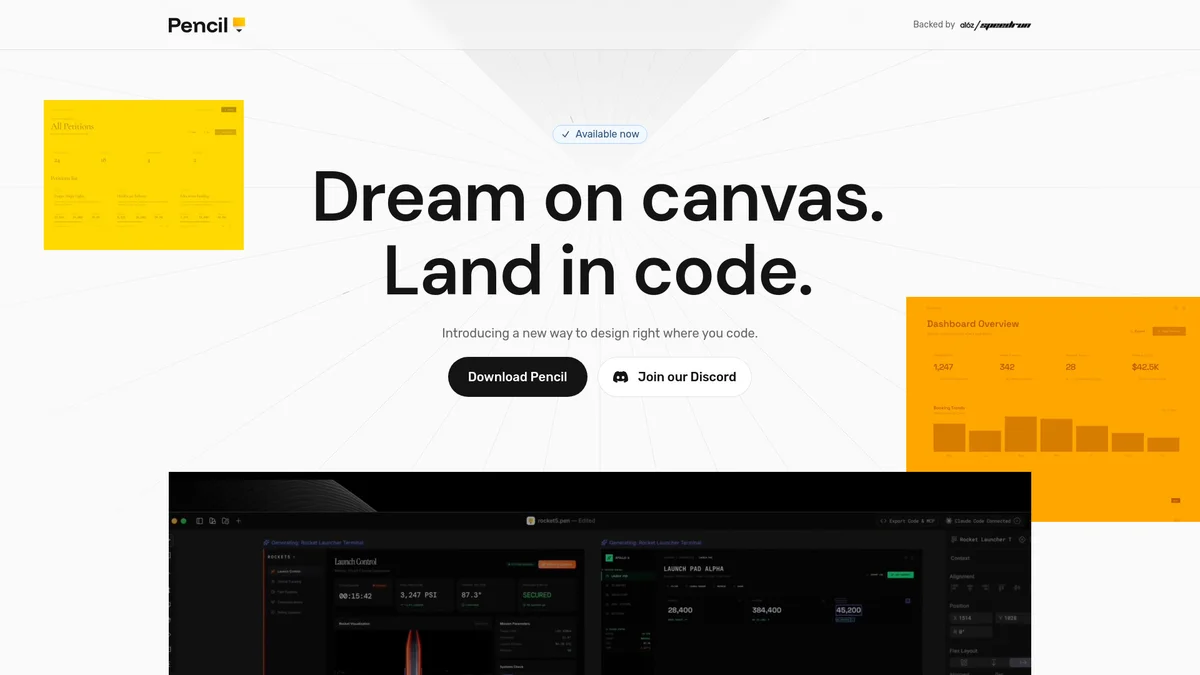
What is Pencil – Design on canvas. Land in code.?
Pencil – Design on canvas. Land in code. is a revolutionary tool that bridges the gap between design and development. It empowers users to create stunning visual designs on a canvas and automatically translates these designs into clean, usable code. This tool addresses the common challenge of converting visual concepts into functional code, streamlining the process and enhancing collaboration between designers and developers. With Pencil, users benefit from a simplified workflow that saves time and reduces errors in the coding process. The tool is particularly advantageous for designers looking to implement their ideas without needing extensive coding knowledge, as well as developers who can quickly adapt designs into their projects. By automating the conversion process, Pencil increases efficiency and fosters creativity, allowing teams to focus on what they do best—design and innovate.
Key Features
- Seamless design-to-code conversion
- Intuitive canvas for design creation
- Supports collaboration between teams
- Reduces coding errors and time
- User-friendly interface for all skill levels
- Real-time design updates
Who is it for?
- Web designers and developers
- UI/UX designers
- Product teams and startups
- Freelance designers
- Agencies and design studios
Use Cases
Rapid Prototyping
Use Pencil to create quick prototypes of your design ideas. The tool allows you to visualize concepts on a canvas and generate the corresponding code, speeding up the feedback loop and enhancing collaboration.
Enhanced Team Collaboration
Facilitate better communication between designers and developers. Pencil’s design-to-code feature means that designs can be shared and implemented directly, reducing misunderstandings and improving project outcomes.
Educational Tool for Beginners
Pencil serves as a great learning resource for new designers and developers. By using the tool, they can see how their designs translate into code, gaining valuable insights into both design principles and coding practices.
Pricing Plans
Free: Basic features included, Pro: $15/month - Advanced features and priority support, Enterprise: Custom pricing - Tailored solutions for teams.
Pencil – Design on canvas. Land in code. Reviews & Ratings
Real user feedback and ratings for Pencil – Design on canvas. Land in code.. See what the community thinks about this AI tool.
No reviews yet
Be the first to share your experience with Pencil – Design on canvas. Land in code.