

Design In The Browser
Transform your design experience with AI
Design In The Browser simplifies web design by enabling direct interaction with elements, streamlining edits and enhancing productivity without switching tabs.
Visit Website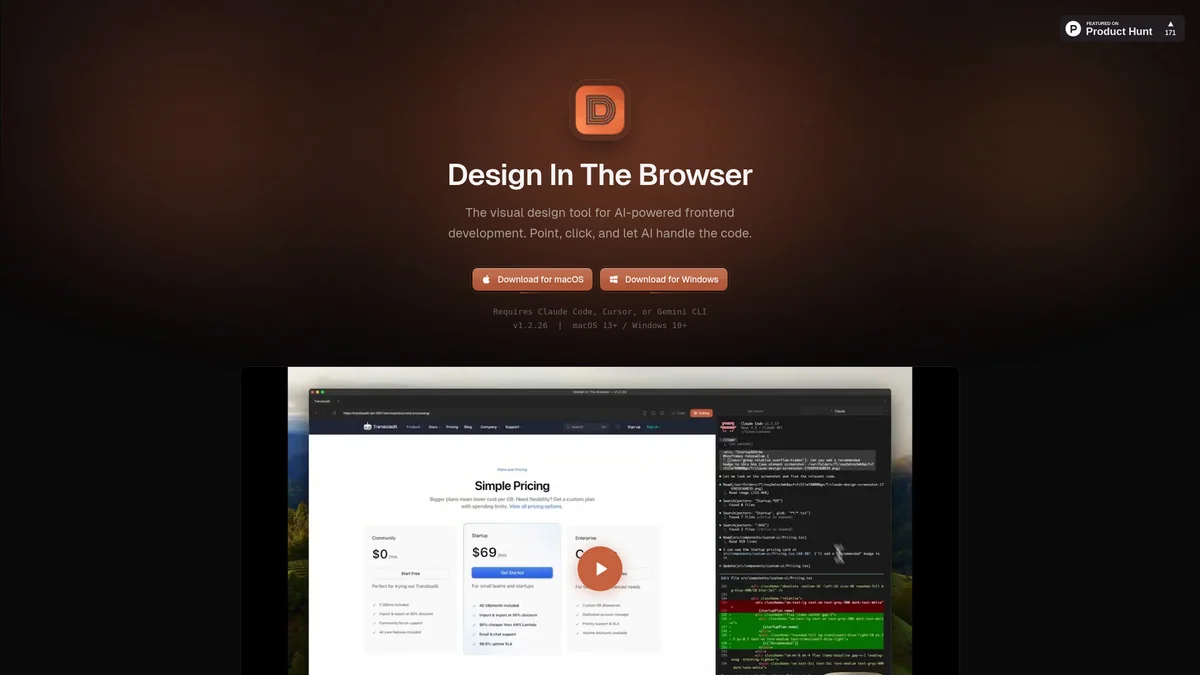
What is Design In The Browser?
Design In The Browser is a visual AI frontend tool that revolutionizes web design by allowing users to interact directly with webpage elements, eliminating the need for tedious tab-switching and screenshot-pasting. Its main purpose is to enhance the design process by providing a seamless interface where changes can be made effortlessly, making it easier for designers to communicate their ideas and implement adjustments in real-time. This tool offers key benefits such as integrated terminal access, responsive testing capabilities, and multi-edit functionalities, which collectively enhance user efficiency and streamline workflows. By utilizing Design In The Browser, users can inspect styles, manage design tokens, and make changes directly within a single window, ultimately allowing for a more cohesive and productive design experience.
Key Features
- Point & Click editing
- Integrated terminal access
- Multi-edit capabilities
- Responsive viewport testing
- CSS variable referencing
- Drag and drop visual context
Who is it for?
- Web designers and developers
- UI/UX professionals
- Frontend engineers
- Digital product teams
Use Cases
Rapid Prototyping
Quickly prototype web designs by interacting directly with elements on your browser. Make real-time adjustments and see immediate feedback, significantly speeding up the design iteration process.
Collaborative Design Reviews
Facilitate design reviews by allowing team members to point and click on elements to suggest changes. This eliminates confusion and enhances communication, ensuring everyone is on the same page.
Efficient Code Management
Jump directly to the source code of any element with a click, making it easier to manage styles and implement changes without navigating away from your design workspace.
Responsive Design Testing
Instantly switch between desktop, tablet, and mobile views to ensure your designs are responsive. This feature streamlines the testing process and enhances the overall user experience.
Pricing Plans
Free: Basic features included, Pro: $X/month - Advanced features and support, Enterprise: Custom pricing - Tailored solutions for large teams.
Design In The Browser Reviews & Ratings
Real user feedback and ratings for Design In The Browser. See what the community thinks about this AI tool.
No reviews yet
Be the first to share your experience with Design In The Browser