

Camtasia online
Seamless screen recording made easy
Camtasia online simplifies screen recording and video editing, empowering users to create professional-quality videos effortlessly for tutorials, presentations, and more.
Visit Website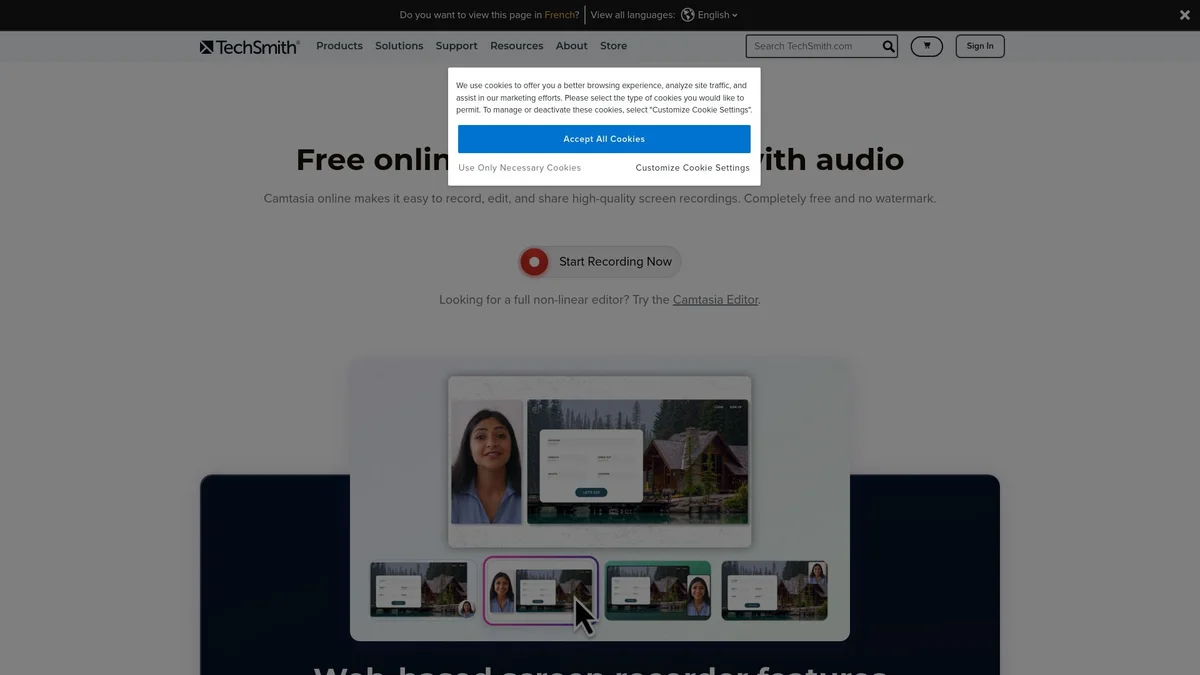
What is Camtasia online?
Camtasia online is a powerful screen recording and video editing software designed to help users create high-quality videos with ease. Its main purpose is to address the common challenges of video production, such as technical complexities and time constraints, by providing an intuitive interface and robust features that make video creation accessible to everyone, regardless of their experience level. By using Camtasia online, users benefit from a comprehensive set of tools that streamline the video creation process, including screen capture, editing capabilities, and customizable templates. This tool is perfect for educators, marketers, and content creators who want to produce engaging videos that effectively communicate their message while saving time and resources in production.
Key Features
- Easy screen recording
- Intuitive video editing tools
- Customizable templates
- Add interactive quizzes
- Export to various formats
- Built-in assets library
- User-friendly interface
Who is it for?
- Educators and trainers
- Content marketers
- Corporate trainers
- YouTubers and vloggers
Use Cases
Creating Online Courses
Camtasia online enables educators to record lectures and tutorials directly from their screens. Users can edit their recordings to enhance the learning experience with interactive elements, making course content more engaging.
Marketing Video Production
Marketers can use Camtasia online to create promotional videos showcasing products or services. The editing features allow for adding branding elements, transitions, and call-to-action overlays to capture audience attention.
Software Demonstrations
Demonstrating software features has never been easier. Users can record their screen while navigating through a program, providing a clear visual guide to help others understand its functionalities.
Pricing Plans
Free: Basic recording features, Pro: $249 one-time payment - Full features including advanced editing, Enterprise: Custom pricing - Tailored solutions for teams.
Camtasia online Reviews & Ratings
Real user feedback and ratings for Camtasia online. See what the community thinks about this AI tool.
No reviews yet
Be the first to share your experience with Camtasia online